WhatsApp API
How to Get WhatsApp Business API Verified: A Step-by-Step Guide
What Meta Business verification and WhatsApp Business API approval need, step by step, from Business Manager to your first approved number.
By the Repeat Grow team · · 5 min read
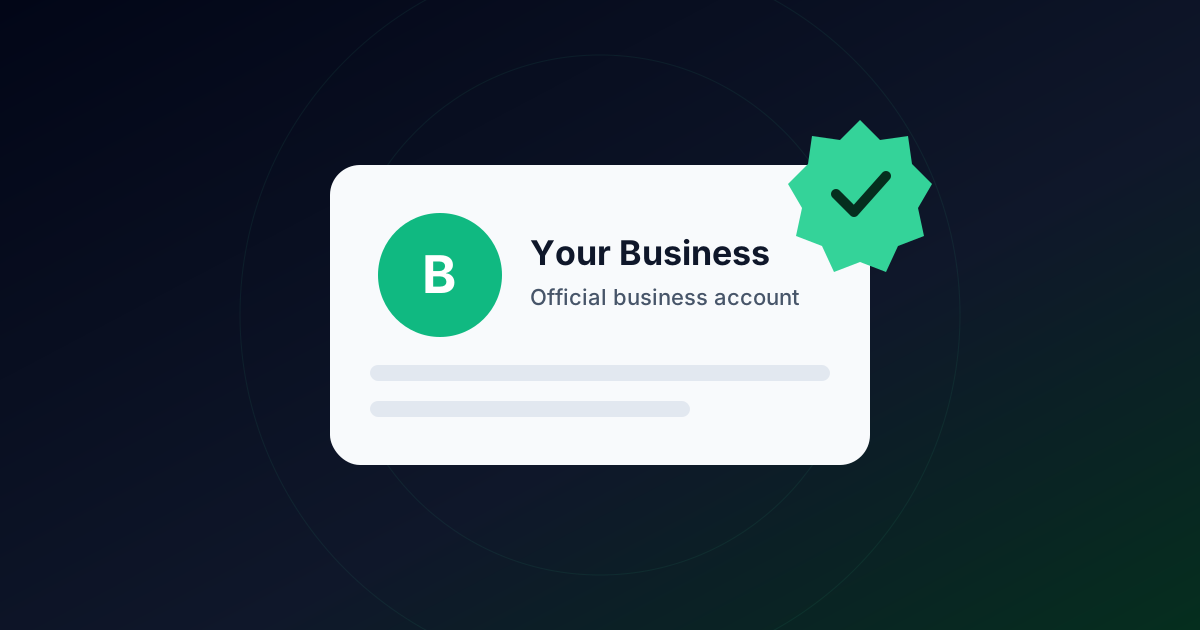
“WhatsApp Business API verification” is really two separate approvals: Meta Business verification for your company, and WhatsApp Business account approval for the number itself. Here is the order they actually happen in.
1. Create a Meta Business Manager account
Every WhatsApp Business API number lives inside a Meta Business Manager (Business Portfolio) account tied to a real company. This is where Meta verifies who you are before you can send template messages at scale.
2. Submit Meta Business verification
Meta checks your legal business name, address and website against official documents, typically a business registration or tax document and proof that the domain or website is yours. Mismatches between your legal name and what's shown publicly are the most common cause of delay here.
3. Register and verify your phone number
The number you connect to the WhatsApp Business API cannot already be active on the regular WhatsApp or WhatsApp Business app on a phone. It needs to be migrated or freed up first. Verification is a one-time code sent by call or SMS during setup.
4. Get your display name and templates approved
Your business display name (what recipients see) goes through its own review, separate from business verification. Message templates for broadcasts also need individual approval before they can be sent. See WhatsApp template rules explained.
How long this actually takes
Business verification can take anywhere from under a day to around a week depending on document clarity and request volume. Template approval is typically much faster, often minutes to a few hours. Repeat Grow's guided setup connects your number through Meta's embedded signup, so most of these steps happen in one flow.
Want this handled for you instead of doing it manually? See Repeat Grow's plans. WhatsApp Business API setup is included on every one.
Frequently asked questions
Can I use my existing WhatsApp number for the API?
Yes, but it can’t stay active on the regular WhatsApp or WhatsApp Business app at the same time. Back up the chats you need, then register the number on the API during setup.
Is business verification the same as the green tick?
No. Business verification confirms your company to Meta. The verified badge is a separate request for notable brands and isn’t needed to send messages.
Which documents does Meta accept?
Typically a business registration certificate, GST certificate or similar tax document, or a utility bill in the business’s legal name, plus a website on a domain you own that shows the same name.